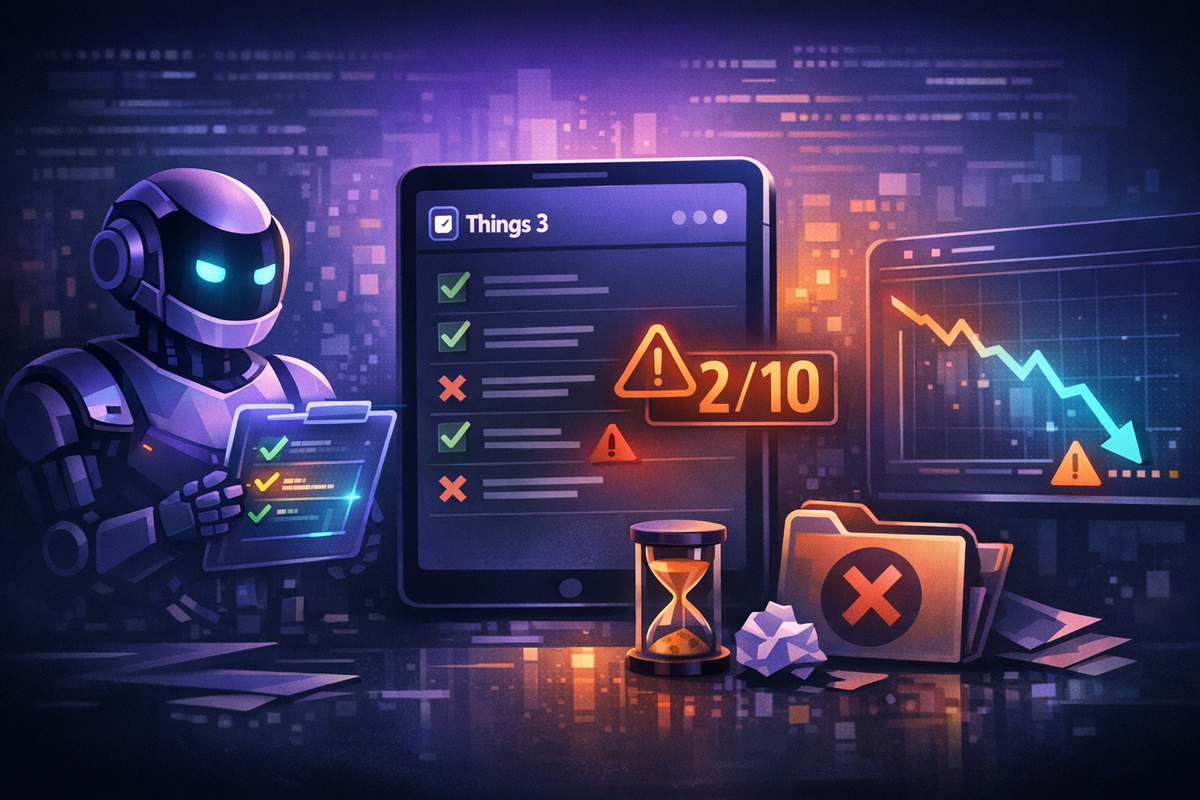
I Used AI to Audit My Things 3 System. I Scored 2 Out of 10.
I wrote the definitive Things 3 guide, then built an AI-powered audit. My own system scored 2/10. Here is what went wrong and how I am fixing it.
TL;DR
I wrote a comprehensive guide on how to use Things 3 properly. Then I built a Claude Code project that reads my actual Things 3 database, scores it against my own rules, and generates a health report. The result: 2 out of 10. Nearly every task shared the same tag. Zero deadlines. Duplicate tasks everywhere. A task literally named "Bla" sitting in my Inbox. This is how I built an AI-powered accountability system for my task manager, and what it found.
The Problem With Knowing Better
Here is the uncomfortable truth about productivity advice: writing it does not make you follow it.
I published my Things 3 guide laying out every rule. Inbox zero daily. Tasks must be actionable. Tags should be 2-5, not 20. Deadlines keep tasks visible. Projects exist for multi-step goals. I believed all of it. I still believe all of it.
But somewhere between writing those rules and living with my actual system, entropy won. Tasks piled up. Duplicates crept in. I stopped using deadlines entirely. My system had one project and dozens of loose tasks floating in areas like groceries in a bag without compartments.
The problem is not discipline. The problem is that Things 3 has no built-in audit. No one tells you your system is drifting. You open it, see your tasks, do some work, and close it. The rot is invisible until it is not.
So I built something to tell me.
What I Built
A Claude Code project that treats Things 3 as a programmable system:
- Read via SQLite. Things 3 stores everything in a local database.
- Write via AppleScript and URL schemes. Never touch the database directly - that breaks iCloud sync.
- Analyze by scoring the current state against my guide's principles.
- Track everything in a persistent context file that survives between sessions.
The whole thing lives in a Git repository. Every sync, every analysis, every change gets committed. I can look back at exactly what my system looked like on any given day.
The Database
Things 3 keeps its data in a SQLite database buried in a macOS Group Container:
~/Library/Group Containers/JLMPQHK86H.com.culturedcode.ThingsMac/
  ThingsData-8JKXL/Things Database.thingsdatabase/main.sqlite
The database uses WAL mode, so it is safe to read while Things 3 is running. One quirk: dates are bit-packed integers. A date like April 4, 2026 is stored as (2026 << 16) | (4 << 12) | (4 << 7). Completion timestamps use Cocoa epoch (seconds since January 1, 2001), not Unix. Small details, but they will bite you if you do not know.
The Commands
I set up two slash commands in Claude Code:
/sync reads the entire database and updates a context snapshot. It captures areas, tags, projects, every open task with dates, notes, and checklist items. I run it at the start of every session because I manage Things through the iOS and Mac apps during the day.
/analyze runs a health check against my guide's principles. It scores each category, flags violations, and produces a report with specific fix recommendations. Think of it as a linter for your task manager.
The Write Rules
This is critical: never write directly to the SQLite database. Things 3 uses CloudKit for sync. Direct writes bypass the sync layer and corrupt your data across devices. Instead, use AppleScript:
tell application "Things3"
    set newToDo to make new to do
    set name of newToDo to "Review health report"
    move newToDo to list "Today"
end tell
Or the URL scheme for bulk operations:
open "things:///add?title=Review%20report&when=today&tags=quick"The Audit: 2 Out of 10
Here is what /analyze found when I pointed it at my own system. Remember, these are rules I wrote. Rules I published. Rules I told other people to follow.
The Tag Disaster
I had one tag. Applied to 96% of all open tasks. My guide says use 2-5 tags you actually filter by. When nearly every task shares a tag, the tag communicates nothing. It is visual noise.
Zero Deadlines
Not one. My guide specifically says deadlines keep tasks visible in Anytime so you can knock them out early. I had tasks with real due dates, all dateless. I was using start dates everywhere instead, which do the opposite - they hide tasks in Upcoming.
Duplicate Tasks Everywhere
The same intention captured multiple times across different lists. Same task in Anytime and Someday with different start dates. Individually, each seemed fine. The duplication only becomes obvious when you query the database and group by title.
No Project Structure
My guide says multi-step goals need projects. I had one project and dozens of tasks floating loose in areas. Several of those tasks had extensive checklists - they were projects pretending to be single tasks.
Non-Actionable Task Names
Single-word tasks. Planning artifacts that are not actually completable. My guide literally uses the example: "Draft intro paragraph for X" is actionable; "Work on X" is not. And there I was with tasks that were just category labels, not actions.
Inbox Not Empty
Including a task that was literally a throwaway test entry. My guide's first rule is process Inbox to zero daily.
The Fix Workflow
This is where it gets interactive. Claude proposes changes, I approve or adjust, and it executes via AppleScript. Step by step:
- Delete junk and duplicates
- Process Inbox
- Create projects for multi-step goals
- Move loose tasks into proper projects
- Rename vague tasks to concrete next actions
- Add deadlines where real dates exist
- Replace the one useless tag with a small set of useful ones
- Fix temporal states (Someday tasks with imminent dates)
- Break oversized tasks into project tasks
- Sync and verify
Every change gets logged. Every step gets committed to Git. If something goes wrong, I can see exactly what happened and roll back.
Why This Works Better Than Willpower
The standard advice for maintaining a task management system is "do a weekly review." I know this. I wrote this. I still do not do it consistently enough.
Here is what an AI audit gives you that willpower does not:
Objectivity. I look at a vague task name and think "I know what that means." Claude looks at it and says "this violates rule 9 of your own guide." It does not care about your intentions. It sees the gap between what you wrote and what you did.
Pattern detection. I did not realize I had duplicate tasks. They were spread across Anytime and Someday with different start dates. The duplication only becomes obvious when you query the database programmatically.
Accountability without judgment. Claude runs the checks and reports the numbers. No feelings involved.
Reproducibility. Next month, I run /sync and /analyze again. Same checks, same scoring, comparable results. The health score becomes a metric I can track over time.
The Technical Stack
For anyone who wants to build something similar:
- Claude Code - the CLI tool from Anthropic. Slash commands (
/sync,/analyze) are defined as skills in the project configuration. - SQLite - Things 3's local database. Read-only access via
sqlite3. - AppleScript via
osascript- for writing changes back safely through Things 3's API layer. - Git - version control for the context file and analysis history.
The project structure:
todos/
  CLAUDE.md          # Instructions for Claude Code
  docs/
    guide.md         # Things 3 guide (reference for scoring)
    ctx.md           # Current state + analysis + change log
The key insight is CLAUDE.md. This file tells Claude Code everything it needs: where the database is, how to decode dates, never to write directly to SQLite, how to use AppleScript, and what rules to score against. Every new session picks up these instructions automatically.
The Irony
I wrote a comprehensive guide telling people exactly how to use Things 3. Then my own system scored 2 out of 10 against that guide.
This is not a failure story. This is a maintenance story. Every system degrades without feedback loops. Physical spaces get cluttered. Codebases accumulate tech debt. Task managers grow tumors of vague, duplicated, unstructured intentions.
The fix is not more discipline. The fix is an automated check that tells you when things drift. For code, we have linters and tests. For task management, I now have /analyze.
The 2/10 was humbling. But the score was the beginning, not the end. Within one session, I had a concrete plan to fix every issue. Your task management system is probably drifting too. The question is whether you know by how much.
This is a follow-up to Things 3: The Complete System. If you have not read that first, start there - it explains the principles this audit scores against.