Claude Code: GUI vs Terminal - A Tale of Two Workflows
A comparison of Claude Code’s desktop preview and terminal workflow, including worktrees, shell setup, model choice and session recovery.
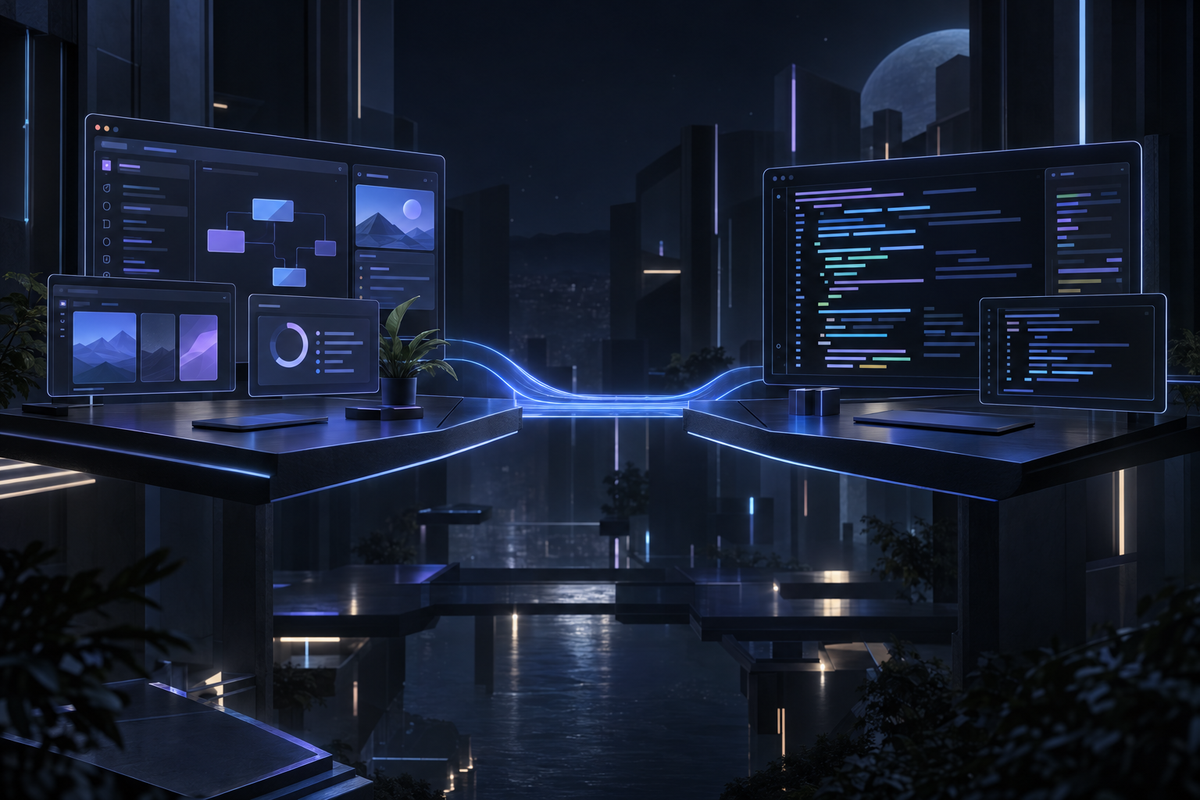
My terminal workflow paired Claude Code with a JetBrains IDE and Git branches I managed directly. Compaction could make me recheck which details remained in context. A closed terminal, however, does not inherently erase a saved conversation: Claude Code supports continuation and resumption.
Then Anthropic dropped the GUI preview. Shiny new interface. Opus model. "This is going to be amazing," I thought.
Reader, it was not amazing.
The GUI Experience: A Horror Story in Three Acts
Act I: The Worktree From Hell
The desktop preview used a separate Git worktree for a session. A worktree is a distinct checkout sharing repository history, not an unrelated copy of the codebase.
"That's fine," you might think. "I'll just open it in my IDE."
Git normally prevents the same branch from being checked out in two worktrees. A branch-switch error in the original checkout does not show that the IDE cannot use the new worktree.
Open the worktree directory as a separate IDE project and confirm which checkout the agent and editor are using. An editor-specific shortcut is convenient, but it is not the only way to open that directory.
Act II: Where Did My Environment Go?
Here's the thing about git worktrees - they're a fresh checkout. You know what doesn't get checked into git? Your .env file. Your local config. All those gitignored secrets that make your app actually run.
So Claude spins up in its pristine worktree, tries to run your app, and... nothing works. No database connection. No API keys. Just vibes and error messages.
Act III: Shell Shock
A desktop-launched process can have a different shell initialization environment from an interactive terminal. Check the shell and startup files used by the installed version.
PATH is normally inherited from the parent process; aliases and shell functions depend on initialization. A missing command may reflect the launch environment or a setup file that was never loaded.
Plain zsh -c is noninteractive and normally does not read .zshrc. Configure executable paths or explicitly load the required, trusted setup in the task environment. Document that setup and verify it with a small command before running a build.
The Cleanup Crew
Once you're done with a session, you get to manually:
- Review and preserve any wanted changes.
- Remove the no-longer-needed clean worktree with git worktree remove.
- Delete its branch only when it is no longer checked out and the work is safely retained or intentionally discarded.
This cruft accumulates. Your .workspaces folder grows. Your branch list becomes a graveyard of abandoned Claude sessions.
But Wait, There's Good Stuff Too
I'm not completely hating here. The GUI does solve real problems:
Both interfaces operate within model context limits. A desktop session history does not imply that every prior message remains in the active prompt, and compaction may summarize older material.
Claude Code’s CLI supports --continue for the latest applicable saved conversation and --resume for a selected session. Saved history, recovery after a process exits and the model’s active context are separate concerns.
It's pretty. Look, the interface is nice. If you're into that sort of thing.
Model choice affected the amount of iteration in this workflow. That comparison also changed the interface, so it cannot isolate the GUI’s effect or establish first-try correctness. Use the same model for an interface comparison and retain tests.
The Plot Twist
Here's the thing: you can run Opus in terminal Claude Code.
Model availability and saved-session recovery are not inherently GUI-exclusive. The useful comparison is how each interface fits the same model, checkout, environment and review process.
Terminal + Opus gives you:
- Your chosen model, with review and testing still required
- Your JetBrains IDE working normally
- Your
.envand gitignored files intact - Your zsh config and PATH
- Clean git workflow on branches you control
You lose:
- The desktop interface’s session-management presentation.
- Any desktop-specific review controls you prefer; evaluate the installed version.
- Neither interface removes the need to manage context, recover sessions and verify work.
The Verdict
Terminal + Opus. Not even close.
The terminal fits this workflow well. Worktrees can be useful for isolating parallel changes, including for experienced developers; they require explicit IDE and environment setup.
Choose the model and interface separately. Keep the checkout and environment visible, review the diff, and run the relevant tests rather than expecting either interface to guarantee correctness.
Will the GUI improve? Probably. Anthropic ships fast and iterates faster. Maybe we'll get configurable worktree behavior. Maybe JetBrains integration. Maybe zsh support.
But I'm not going to fight my tools waiting for "maybe later." Terminal + Opus works today.
The practical follow-up is to document the launch environment and recovery commands so the workflow remains reproducible.