How to Install Claude Code the Right Way in 2026
Homebrew, npm, or native installer — I tried all three. Here’s why the native installer wins and how to switch in 60 seconds.
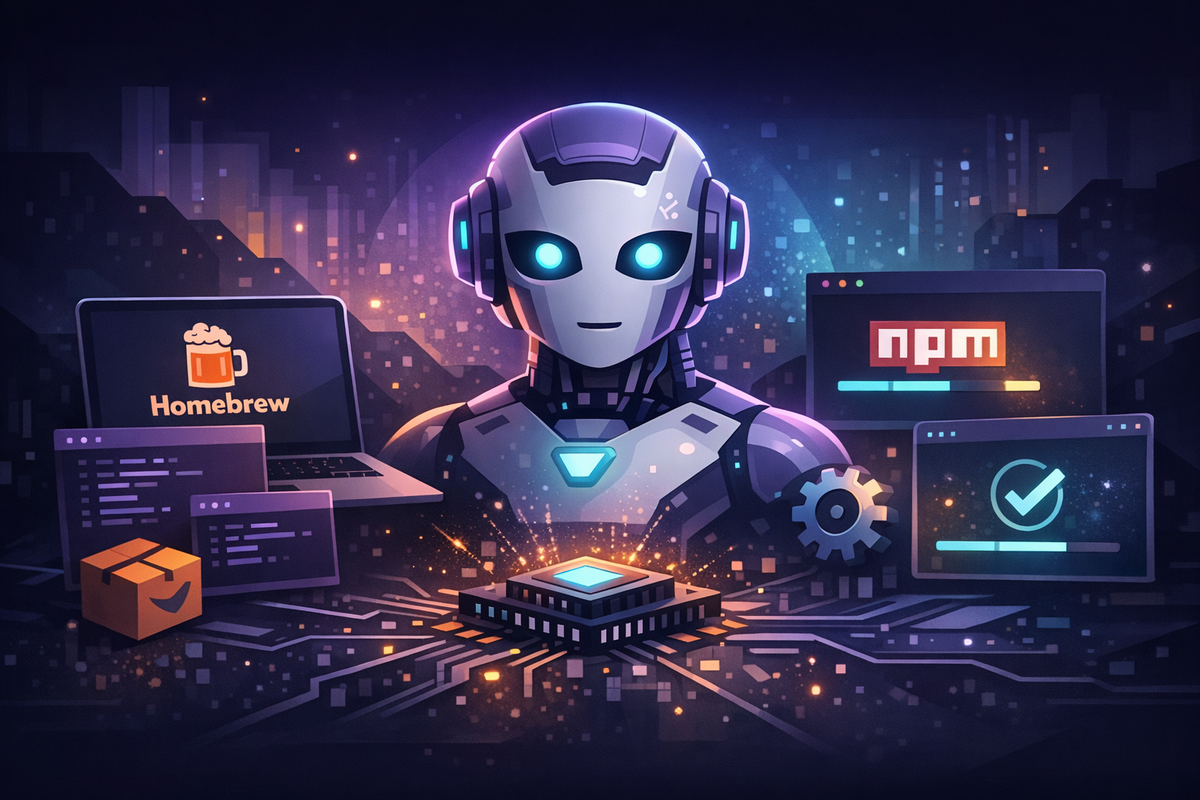
I've installed Claude Code three different ways in the past month. Homebrew first, then npm, now the native installer. Each time I thought I had the right answer. Here's what I learned.
Homebrew: Where I Started
I was running Claude Code v2.1.81 via Homebrew. The new /buddy command — the terminal pet everyone was talking about — needed v2.1.89+. I ran brew upgrade. Nothing happened. Homebrew was 9 versions behind.
The problem: Homebrew wraps Claude Code as a cask. Someone has to update the formula after each release, then it goes through review. There's always a delay — sometimes hours, sometimes days.
npm: Better, but Not the Answer
I switched to npm. Updates landed faster because @anthropic-ai/claude-code is the actual package Anthropic publishes. No middleman. I even added a quick-update alias:
alias cu="npm update -g @anthropic-ai/claude-code"This worked well — until I noticed a yellow banner in my terminal telling me npm installation is deprecated.
The Native Installer: The Right Way
Anthropic now ships a native binary — no Node.js required, no npm, no dependency chain. It's code-signed by Anthropic (notarized by Apple on macOS), and it auto-updates in the background.
Install it with one command:
curl -fsSL https://claude.ai/install.sh | bashThat's it. The binary lands at ~/.local/bin/claude. Make sure it's in your PATH:
export PATH="$HOME/.local/bin:$PATH"If you're coming from npm or Homebrew, uninstall the old version:
# From npm
npm uninstall -g @anthropic-ai/claude-code

# From Homebrew
brew uninstall claude-code
Auth tokens live in ~/.claude/, completely independent of the install method. No re-authentication. You pick up right where you left off.
Why Native Wins
Auto-updates. Claude Code updates itself in the background. No manual brew upgrade or npm update. You always have the latest version. If you want to trigger an update manually: claude update.
Zero dependencies. No Node.js. No npm. No version manager conflicts with nvm, asdf, or fnm intercepting your PATH.
Code-signed. The binary is signed by Anthropic and notarized by Apple. Integrity verification via GPG-signed manifests with SHA256 checksums.
Release channels. Choose latest (default, immediate updates) or stable (roughly one week behind, skips regressions).
The Alias
My update alias is now just:
alias cu="claude update"Though honestly, with auto-updates you barely need it.
Three install methods, three different trade-offs. Homebrew lags behind. npm works but is deprecated. The native installer auto-updates, has zero dependencies, and is the only one Anthropic actively recommends. Switch once, stop thinking about it.