The App Won
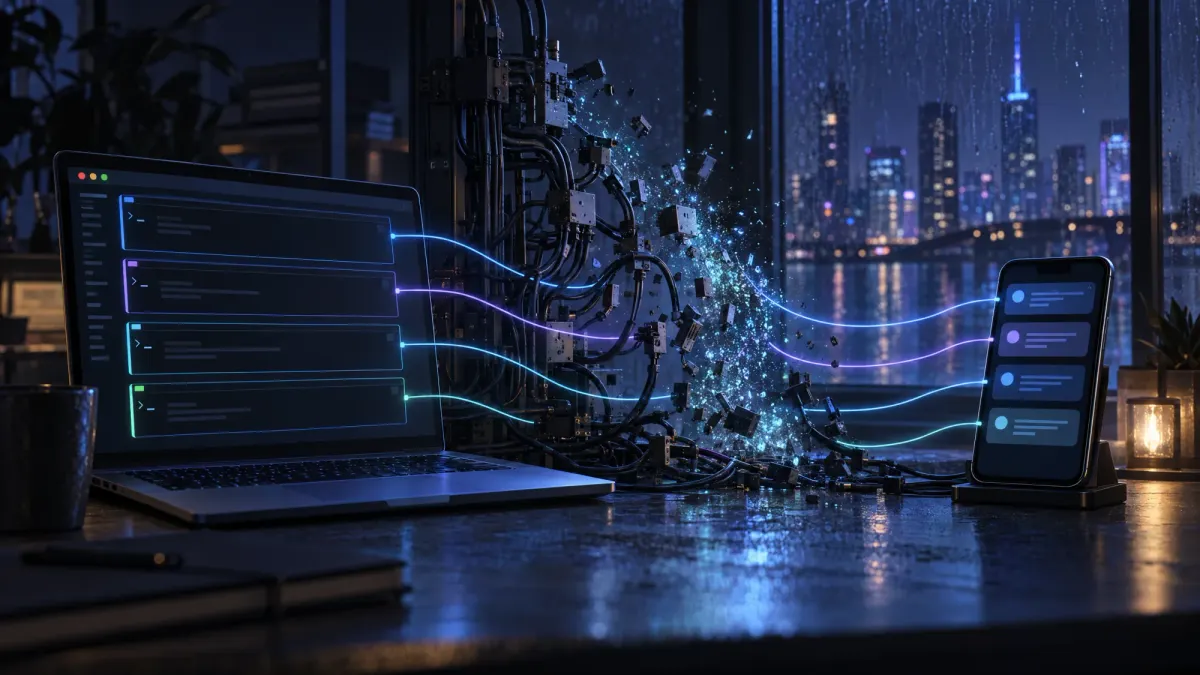
Nine days after I put tmux under every Claude Code session and a terminal on my phone, I took both out of my harness. The native Claude app is the phone side now: what the harness does instead, and the two gaps it can't close yet.
In My Mac Is the Cloud I made my Mac the remote workstation: every Claude Code session inside its own tmux session, a mosh terminal on my iPhone over Tailscale, a session bar at the bottom of every iTerm2 window. I argued it was the right shape.
That was November 15. Today none of it is in my harness.
TL;DR
- The terminal lost to the app. The native Claude iOS app is a better place to work with a session than a terminal on a phone. I was opening the terminal app for one thing only: starting a new session.
- One commit took it out. tmux and mosh are still installed on the Mac; the harness no longer uses them.
- What stayed is what mattered. Every interactive session starts on Remote Control and stays in step both ways between iTerm2 and the Claude apps, as in The Phone Is Just Another Tab.
- New sessions from any chat. I ask a running session in the app for a new one, and it opens a real iTerm2 tab on the Mac.
- Two gaps left. Claude Code's own way to start a session from the app runs it headless, and the app shows one account at a time. A GUI for my harness is the idea if they stay.
Start here
| 🧭 | Every session on your phone, plus new sessions from it, with stock Claude Code. No harness needed. 1. Sign in with claude.ai. Remote Control needs a claude.ai subscription login; API keys don't get it. Sign the Claude app on your phone into the same account. 2. Turn on the switch. In a session, run 3. Plain tabs. Start each session in its own terminal tab, no multiplexer: 4. Open the app. In the Claude app, tap Code. The session is in the list under that name. Type there, and the turn runs on your Mac. 5. A quick new session from the phone. In a project folder on the Mac, run 6. A full new session from the phone. Save the AppleScript below as |
on run {d, n}
set c to "cd " & quoted form of d
set c to c & " && claude"
set c to c & " --remote-control"
set c to c & " --name "
set c to c & quoted form of n
tell application "iTerm"
 set w to current window
 tell w
  create tab with default profile
 end tell
 set s to current session of w
 tell s to write text c
end tell
end run
It compiles, and it makes the same two iTerm2 calls my harness's spawn makes: open a tab, type one line into it. I haven't run this exact file. It assumes an iTerm2 window is open. Called from a session that runs inside iTerm2, it needs no Automation prompt; called from anywhere else, see the launchd part below.
Why the terminal lost
The app is built for one thing: a conversation with a session. It renders it well, it pushes when a session needs me, and I maintain none of the plumbing behind it. A terminal on a phone has to fake all of that on a small screen, through a multiplexer, over a connection that comes and goes.
My own update history said so before I did. My Mac Is the Cloud got three updates in two days, each one fixing something real use had found: a session list that went stale, closed tabs that left sessions running, a window size that bounced between the phone and the Mac. None of those were Claude problems. They existed because I had put tmux between one session and two screens.
When I looked at what I actually did on the phone, the answer was short. I read and answered sessions in the app. I opened the terminal for one thing, starting a new session. One use doesn't carry a layer that big. So I asked the harness to take tmux and mosh out completely and to keep, in my words: "What I still want to have is automatic remote control in every session".
What left, and what stayed
One commit on 2026-11-24, 51 files, +810 / −12,329. Gone:
- the 2,691-line session-fabric module that put every session in tmux;
- the session bar at the bottom of iTerm2;
- the commands that attached a phone card to a session, the phone's login lobby and its SSH-key command;
- the window-size give-back between phone and Mac;
- mosh's firewall rules and the phone terminal app's notification hook;
- their tests and live end-to-end scripts.
Sessions are plain iTerm2 tabs again. ai, my launcher, asks for the project and the account and starts Claude Code directly in the tab, with nothing above it.
What stays:
- tmux and mosh, installed. My editor's terminal still uses tmux. The harness doesn't touch either.
- Sessions already in tmux run until I close them. The live tmux server's hooks and key bindings called commands that no longer exist, so they were reset and the bar switched off.
- Tailscale and keys-only SSH, as plain system settings, outside the harness.
- A Mac that doesn't sleep on the power adapter. Remote Control needs it awake.
What the harness does now
Remote Control, both ways
This part never needed tmux, and it hasn't changed since The Phone Is Just Another Tab. Every interactive session gets the stock switch plus --remote-control at launch. A small watcher keeps the iTerm2 tab's name and the phone's title in step: rename the tab and the phone follows; rename on the phone and a named tab's name wins back. When a session ends on the Mac, its phone copy is archived. A dropped link is switched back on at the next idle moment.
A new session from any chat
This was the first gap. Claude Code has its own answer: server mode. claude remote-control in a project folder "stays running in your terminal in server mode, waiting for remote connections", in the words of the Remote Control docs. The folder appears on the app's new-session screen; pick it and a session starts on the Mac, up to 32 at once by default, in the same folder or each in its own git worktree.
The catch: those sessions run headless (claude --print --sdk-url …). They live in the app and the browser, and no terminal can show them. There is no documented way to attach one. An open feature request asks to "Attach a terminal to a Remote Control session running on another machine", and an open bug reports that claude --resume on such a session attaches to the server instead. The docs draw the line themselves: an interactive session with Remote Control on is the mode where "you can type messages locally while the session is also available remotely". That's what every session of mine already is.
So the harness starts full sessions a different way. In the app, I ask any running session: "open a session in my blog project called Draft". It runs ai spawn PROJECT [NAME] -p TASK, which opens a new iTerm2 tab on the Mac, on the calling session's account, and the new session is in the app within seconds. -r reopens a closed conversation in a new tab. ai ls lists every session and the account it needs, and ai rename renames one everywhere.
What building spawn taught me
An independent review of the first design, and a few measurements, changed two things.
Type short lines into new shells. A long prompt typed into a shell that's still starting can be cut at the terminal's input queue, about 1 KB. So the launch details go into a private request file, and the new tab is typed only ai spawn --run FILE.
A launchd job can't drive iTerm2. A session the app started through a server runs as a launchd job, outside iTerm2. Measured on 2026-11-24: from a launchd job, a direct iTerm2 AppleScript call hung for 30 seconds, because macOS's Automation permission can't be answered from there. So such a caller hands its request to the watcher, which runs under iTerm2. That route answered in about 1.5 seconds, four times out of four. The same wall shows up once more: a launchd job can't read iTerm2's tabs, so the spawner finds the new Claude through the process id the new tab records.
iTerm2's own scripting also stalled at times. A bare window count once took 57 seconds, so each script may take up to 60.
The general version: if something other than you at a keyboard can start your agent, assume it runs where GUI automation fails, and route GUI work through a process that lives in the GUI session.
Two accounts, one phone
This is the second gap, and it's still open. Remote Control registers a session under the claude.ai login it runs on, and I found no setting that splits them. The docs: "Auto-connect signs in with your own claude.ai account, so a session it starts appears only in your own account's Claude apps and grants no one else access."
On the Mac, sessions of both my accounts sit side by side in one iTerm2. The app shows one account at a time, so I switch accounts in the app, and the harness says which account each session needs (ai ls, ai remote status).
One idea I haven't tested: claude.ai/code added to the iPhone's Home Screen as a web app, signed in to the second account. Apple says Home Screen web apps have "separate cookies and storage from the browser" (What's new in web apps, WWDC23). If that holds here, one account would live in the app and the other one tap away. Untested, so not a recommendation.
How I checked it
On the landed code, a live end-to-end script ran twice: from an ordinary session, and from a launchd job on the second account. Both passed 12 of 12:
ai spawnexits 0 and the session is a Mac tab;- nothing sits between Claude and iTerm2 (the process chain is claude, then Python, zsh, login, iTerm2);
- the session is on Remote Control, and its phone copy carries the tab's name;
ai renamereaches the phone; a rename on the phone side, made with the same call the app makes, loses to the tab's name;ai lsshows the session;- closing the tab archives the phone copy.
About 3,000 tests were green before landing, and the harness's own health check reported no failures.
What I didn't check: the phone's own screen. The phone side was read through the Remote Control service the app reads, not by looking at the phone.
Later, maybe: a GUI
If the two gaps stay, sessions started by the app stuck headless and one account at a time on the phone, the next step is a GUI for my ai harness, on the Mac and on iOS: a real new-session screen and both accounts in one place. I haven't built it. If Claude Code ships an attach for server sessions, or the app learns to hold both accounts side by side, I won't need to.
My take
The tmux setup worked, and it was the wrong layer. Each fix in My Mac Is the Cloud repaired the machinery, not the work. What survived nine days of real use is the thin part that sits on a native feature: every session on Remote Control, one name on both screens, cleaned up when it ends.
The phone terminal could do more than the app, but I used it only to start sessions, and any chat in the app does that now.