
Meta Ray-Ban Display: $799, One Eye, and a Wristband That Reads Your Nerves
Meta’s May 2026 display SDK preview expands development options. Consumer app availability, optical fit and useful recurring workflows still determine the value of these glasses.
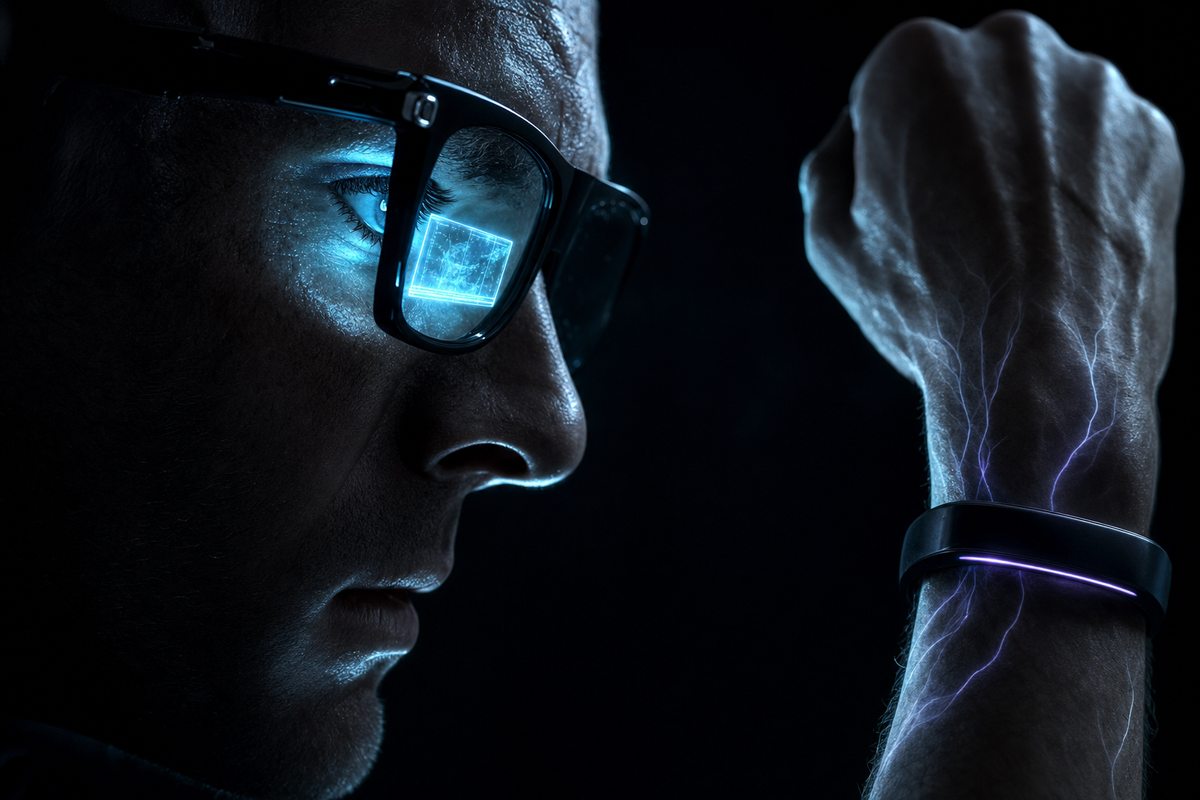
Meta Ray-Ban Display combines a small in-lens display, camera and audio with a wrist-worn input device. The useful question is which recurring tasks benefit from that combination.
On May 14, 2026 Meta announced display access for native mobile and Web Apps, both in developer preview. That changes the development opportunity; it does not establish a mature consumer app ecosystem.
This is a product and developer-platform analysis based on the linked official material. It does not present an independently measured battery test, gesture-accuracy study or representative survey of returns.
What It Actually Is
Get the category right first, because most of the disappointment online comes from people expecting the wrong product.
This is not augmented reality. There is no spatial mapping, no persistent 3D objects, no floating windows, no six-degrees-of-freedom tracking. It is a glanceable notification surface the size of a playing card held at arm's length, visible to one eye, plus a very good camera and open-ear speakers in a frame that looks almost normal.
| Documented feature | Evaluation question |
|---|---|
| In-lens display | Can you read the intended content comfortably with the fitted frame? |
| Meta Neural Band | Do supported gestures work reliably for your task and conditions? |
| Up to six hours of mixed use; up to 30 hours including case, per launch announcement | How does your actual display/camera workload compare with that advertised usage? |
| Camera and audio | Do image quality, sound and phone integration meet the task requirements? |
The Wristband Is the Real Product
If you take one thing from this review, take this one. The screen is the headline. The Meta Neural Band is the invention.
It uses surface electromyography — sEMG. Electrodes on the inside of the band read the tiny voltage changes your forearm muscles produce when they fire. It is not reading your mind. It is reading the electrical instruction your brain already sent to your hand, sometimes fractionally before the movement is visible.
| Gesture | What it does |
|---|---|
| Thumb to index finger — pinch | Select. The click. |
| Thumb to middle finger — pinch | Wake or dismiss the display. Double tap toggles, hold opens shortcuts. |
| Thumb sliding along the side of the index finger | Scroll. A virtual D-pad living on the side of your finger. |
| Pinch and twist | Volume and camera zoom, like turning an invisible dial. |
| Double tap thumb to the side of the index | Summon Meta AI. |
| Handwriting (added Jan 2026) | Write letters with micro-movements of your finger against your leg or pocket. Text appears. No surface required. |
It works with your hand in your pocket, at your side, in total darkness. No camera has to see it. Nobody around you has to see it. That is the part that matters — voice is public, touchscreens require reaching for a slab, and camera-tracked hand gestures are both power-hungry and socially absurd.
Gesture reliability needs evaluation in the conditions where the device will be used. Test repeated gestures under the intended conditions and record misses rather than assuming uniform accuracy.
The bundled Neural Band is an input device rather than a fitness tracker. Assess whether wearing it alongside a separate tracker suits the intended workflow; the glasses-and-band bundle price is not a standalone price for the band.
What It Actually Costs
The launch price started at $799 for the glasses and band. Obtain a current quote for the full configuration instead of assuming a typical out-the-door total.
| Cost component | What to check |
|---|---|
| Glasses and Neural Band | Launch price from $799; current retailer price may differ |
| Taxes | Applicable to the purchase location |
| Prescription lenses | Compatibility and an itemized optician quote |
Meta initially sold the product through selected US retailers with in-person fitting and demonstrations. Verify the present buying process and availability with the retailer.
A demonstration is useful for assessing comfort and optical alignment. The public material does not establish that return rates or eyestrain caused the retail policy.
What It Genuinely Does Well
The product works when it shows one small piece of information at the exact moment reaching for a phone would be rude, slow or impossible. That's a narrower promise than the marketing, and it's a real one.
| Use case | What to evaluate |
|---|---|
| Captions and translation | Language support, accuracy, latency and comfort in the intended setting |
| Teleprompter | Text readability and control during an actual presentation |
| Camera viewfinder | Framing and capture quality separately |
| Messages and navigation | Current app, phone and regional compatibility |
| Audio and calls | Whether a display adds enough value over audio-only alternatives |
Constraints to evaluate
| Constraint | Decision relevance |
|---|---|
| Optical fit | Try the display with the intended frame and lenses; individual comfort is not established by a specification. |
| Connectivity | Test phone-dependent workflows under realistic network conditions. |
| Battery | Advertised mixed-use duration is not a measured duration for continuous captions or navigation. |
| Input | Check the number of actions and gesture reliability for repeated tasks. |
| App availability | Developer preview does not guarantee the consumer integrations you need. |
Professional use cases to test
These are candidate workflows, not a survey of owners or evidence that a particular group will benefit.
| Workflow | Acceptance test |
|---|---|
| Caption-supported conversation | Check accuracy and usability in the relevant acoustic environment. |
| Presentation cues | Use a representative script and verify comfortable reading and control. |
| Hands-busy professional instructions | Verify visibility, input reliability and suitability for the work environment. |
What Changed in 2026 — and Why It Matters
The May 2026 developer preview adds an important capability to the original product. It opens a path for testing display experiences while leaving consumer distribution a separate question.
| When | What arrived |
|---|---|
| Jan 2026 CES | Teleprompter — private cue cards navigated by wrist gesture. EMG handwriting — write with a finger, no surface. Four more navigation cities. And the international rollout paused. |
| May 14, 2026 | Native and Web Apps display paths entered developer preview; consumer distribution remains a separate question. |
The developer story, corrected
Meta’s May 14 announcement explicitly adds display output to the toolkit. Earlier camera-and-audio-only descriptions are incomplete for that preview, but the preview should not be equated with unrestricted public publishing.
The May announcement documents two development paths, both in preview:
| Path | What you get |
|---|---|
| Native mobile SDK | Swift for iOS, Kotlin for Android. Combines the new display output with the existing camera, audio and voice access. Ship to up to 100 testers through release channels. |
| Web Apps (new) | Plain HTML, CSS and JavaScript — no proprietary framework. Access to motion and orientation data, phone GPS, Neural Band input and local storage. Preview in a browser, then deploy to the glasses by URL. Share via a password-protected link — no app store submission. |
The native SDK announcement lists text, images, lists, buttons and video playback. Meta also documents gesture input and Web App access to motion, orientation, phone GPS and local storage. Verify current API permissions and supported device versions before designing a deployment.
What Else You Could Buy
| Category | What to evaluate |
|---|---|
| Display glasses with wrist input | Look for useful glanceable information, reliable gestures and comfortable all-day interaction. |
| Camera and audio glasses without a display | Compare the value of hands-free capture and audio against the need for visual output. |
| Lightweight text-display glasses | Assess text legibility, notifications, battery life and supported integrations. |
| Wearable monitors | Evaluate screen quality and connection requirements for a large private display; this is a different workflow from ambient assistance. |
| Your existing phone and headphones | Use the equipment you already own as the baseline. Identify which task actually becomes easier before buying another device. |
Compare current, matching configurations before spending: itemize the glasses, required accessories, prescription options and regional availability. The useful question is whether the display and wrist input improve a task enough to justify the actual price difference.
Is It Worth It?
| Goal | Decision criterion |
|---|---|
| Captions or presentation cues | Buy only after the specific workflow meets comfort and reliability requirements. |
| Developing display experiences | Confirm preview eligibility, API support and distribution limits first. |
| Camera and audio only | Compare display-free models and their current prices. |
| Spatial AR or a large virtual monitor | Evaluate a product designed for that category. |
| Buying outside the initial market | Check current supported regional availability. |
Pay for the display when a supported recurring task justifies its full cost and meets your comfort requirements. Otherwise compare simpler alternatives using current specifications and prices.
The Bigger Picture
The interesting thing about this product is what it refuses to be.
Meta abandoned the idea that useful wearable computing has to start with immersive AR. The model here is much smaller: see what you see, hear what you hear, surface one answer, and take input so subtle nobody notices. The phone stays the brain. The glasses become its eyes, ears and status line.
And the wristband is the genuinely new idea. Voice is public. Touchscreens demand a slab. Camera-tracked gestures can require visible movements and continuous sensing, which creates comfort and power tradeoffs. sEMG turns a millimetre of finger movement into a command with your hand in your pocket. If Meta widens that vocabulary without wrecking the error rate, the wrist becomes the mouse of wearable computing — and Meta owns it.
The open question was always control. A closed neural input device wired to one company's assistant is a moat, not an ecosystem. That's what changed in May. Not completely — publishing is still gated, raw sEMG is still private — but enough that outside developers can now find the uses Meta didn't think of. Which is historically how these platforms actually get good.
This is not the arrival of AR glasses. It's the first convincing argument that a small private display, a camera, ambient AI and neural wrist input belong in the same object. For a narrow group that's already worth $799. For everyone else it's a working prototype of an interface you'll probably want two generations from now.