Zed: The Convergence
Three apps doing the work of one. Then a friend pointed me to Zed, and the stack collapsed into a single, razor-sharp interface.

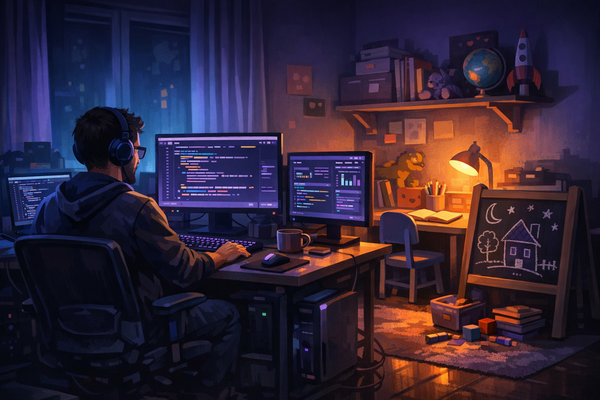
I’ve been running a split setup for months. iTerm2 for the terminal. Sublime Text for the editor. Claude Code bridging them together with AI. It worked. It shipped code. But there was always this friction — this invisible tax you pay when your workflow lives across three separate windows, three separate contexts, three separate mental models.
You alt-tab. You lose your place. You context-switch. And every switch costs you cycles. Not machine cycles — yours.
My friend Igor sent me a link one afternoon. No pitch, no hype. Just a URL: zed.dev. That’s how the best tools find you — through people who’ve already done the evaluation and simply say, try this.
The Stack Collapse
Zed is what happens when someone builds an editor with zero nostalgia and zero bloat. Written in Rust. Loads instantly. Renders at GPU speed. It doesn’t try to be everything — it just happens to be everything I need.
Here’s what clicked:
Project Switcher — Open a local project and it appears in the top-left switcher. Click it, and you’re inside that project. Full UI, full context, full environment. No “Open Folder” dialogs. No workspace configuration files. Just your code, ready.
Integrated Terminal — Full-screen terminal, right inside the editor. I run Claude Code here the same way I ran it in iTerm2 — except now it’s one keystroke away from my file tree, my editor, my git status. No alt-tab. No lost context.
File Tree — Clean, fast, responsive. Exactly what a file tree should be and nothing more.
Git Integration — Built-in git support that stays out of your way until you need it. Diffs, status, branches — all right there.
Editor — Fast. Precise. Syntax highlighting, multiple cursors, the works. Sublime-level editing speed with none of the plugin archaeology.
Markdown Support — For someone who writes blog posts, documentation, and PRDs in markdown, native support without plugins is a quiet luxury.
Why It Matters
This isn’t about features. Every editor has features. This is about convergence — the moment when separate tools collapse into one and the friction disappears.
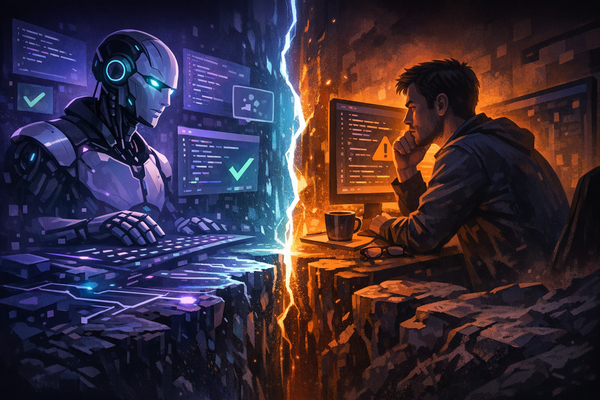
I used to think the ideal setup was modular: pick the best terminal, the best editor, the best AI tool, wire them together. But the overhead of orchestration was the thing I didn’t account for. The cognitive load of keeping three apps synchronized — that’s the hidden cost.
Zed eliminates it. Not by being the best terminal or the best editor in isolation. By being good enough at everything, fast enough at everything, and present in one single window.
For a principal engineer running Claude Code as the daily AI workflow, this is the setup. One editor. One terminal. One context. The stack collapses. The friction vanishes. You just write code.
The One Catch (And How to Fix It)
There’s one thing Zed does that nearly broke the magic. When you switch projects using that beautiful top-left project switcher, Zed kills everything in the terminal. Everything. Your Claude Code session. Your running processes. Your entire context. Gone.
This isn’t a bug. It’s architecture. Each Zed window equals one project — switching replaces the entire workspace. The Zed team has acknowledged it. They have no plans to change it.
For someone running Claude Code as the daily workflow, this is a dealbreaker. Or it would be — if tmux didn’t exist.
tmux is a terminal multiplexer. It runs a background server that holds your sessions. When Zed kills the terminal on project switch, only the tmux client dies. The server — and everything running inside it, including Claude Code — survives. When you switch back, a new client auto-reattaches. Everything is right where you left it.
Think of it like a TV and a DVR. Turning off the TV doesn’t stop the recording.
Setup
Two config files. That’s it.
In Zed’s settings (~/.config/zed/settings.json), tell the terminal to use tmux:
"terminal": {
  "shell": {
    "with_arguments": {
      "program": "/bin/zsh",
      "args": ["-c", "tmux new-session -A -s \"$(basename \"$PWD\")\""]
    }
  }
}
The -A flag means “attach if the session exists, create if it doesn’t.” The session name is your project folder — so each project gets its own persistent session, automatically.
Then create ~/.tmux.conf:
# Ctrl+A as prefix (Ctrl+Space conflicts with Zed)
set -g prefix C-a
unbind C-b
bind C-a send-prefix

# Mouse support
set -g mouse on

# Better colors
set -g default-terminal "tmux-256color"

# Keep server alive when client detaches
set -g destroy-unattached off
Day-to-Day
You don’t have to do anything. Forget tmux is there.
Open a terminal → tmux session auto-created. Switch projects → tmux client dies silently, Claude Code keeps running. Switch back → auto-reattach. Sessions are lightweight and vanish on reboot.
One thing you’ll notice: when you select text in the terminal, it gets deselected the moment you release the mouse — but it’s already copied. That’s tmux. No Cmd+C needed. Select, release, paste. Once you get used to it, the old way feels slow.
You will lose a few iTerm2 conveniences, though. Drag-and-drop a file to get its path? Gone — that was an iTerm2 feature, not a terminal standard. In Zed, right-click a file in the tree and copy the path instead. Small trade-off for everything you gain.