Multiplayer AI: What Claude Tag Actually Changes

Anthropic just put @Claude inside your Slack channels — one shared, persistent, agentic teammate per channel, billed to the org and learning the company over time. The genuinely new part isn't that Claude can read Slack. It's that AI just went multiplayer.

Multiplayer AI: What Claude Tag Actually Changes — AI

For two years, "AI at work" mostly meant a private tab. You'd alt-tab to a chatbot, paste in the context it couldn't see, get an answer, and paste that answer back into the place the work actually lived. You were the integration layer — the human glue shuttling text between the model and your real tools.

On June 23, Anthropic shipped the thing that closes that round-trip. It's called Claude Tag, and the one-line version is: you type @Claude in a Slack channel and it's just there — in the open, with the whole team, ready to take a task and go. That sounds small. It isn't.

What it actually is

Claude Tag is a persistent Claude that lives inside your Slack channels. You tag @Claude in a thread with a request; it breaks the task into stages, works through them on its own using whatever tools it's connected to, and replies in the thread with what it produced. Hand it something and go do other work — it can schedule its own follow-ups and grind on a project over hours or days.

It's in beta for Claude Enterprise and Claude Team customers, runs on Opus 4.8, and it replaces the old "Claude in Slack" app — which Anthropic is auto-switching over to Claude Tag on August 3, 2026. Microsoft Teams, email, and project-management tools are reportedly next, "in the coming weeks."

So far, so "AI bot in Slack." Plenty of those exist. Here's what's actually different.

The new part: multiplayer

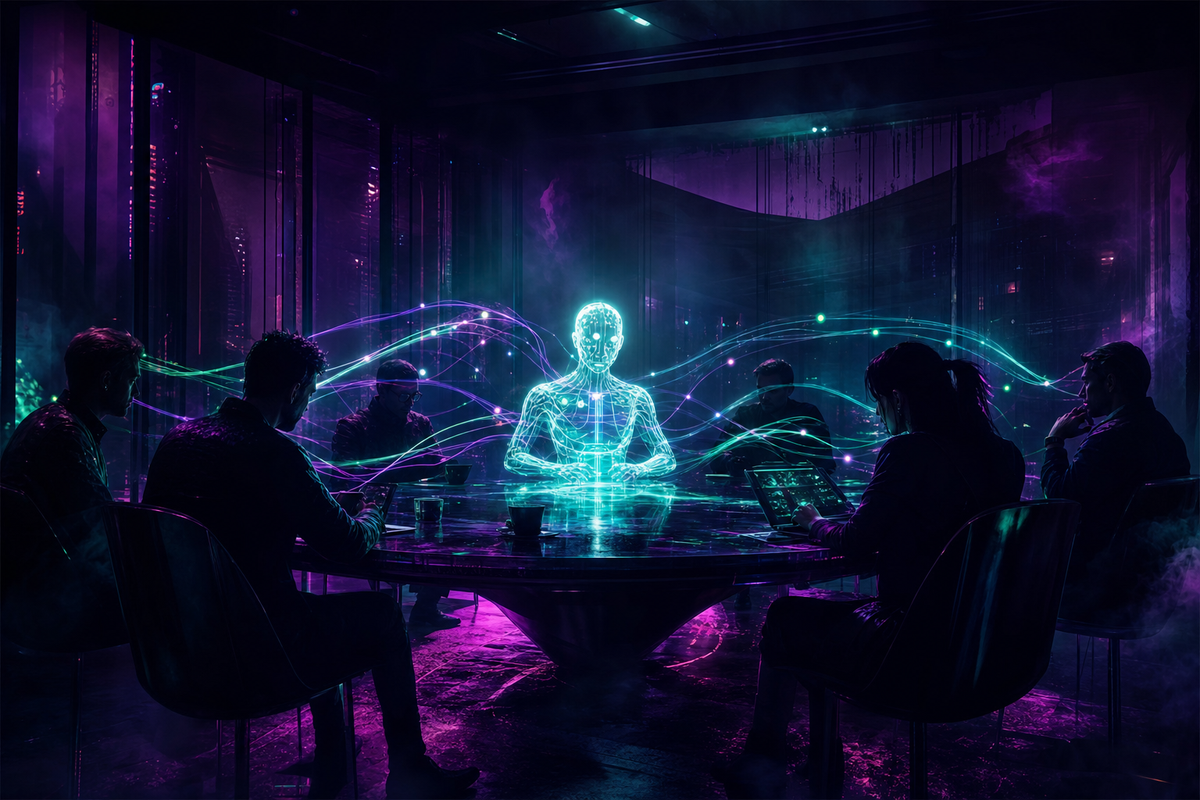
The old Claude-in-Slack was a private back-and-forth — your DM with a model. Claude Tag inverts that. There's one Claude per channel, shared by everyone in it. When it works, the whole channel watches it work. A teammate can read what it's doing and pick up the conversation exactly where you left off.

Slack's GM, Rob Seaman, called it "making AI multiplayer" — instead of a private exchange, "Claude Tag shows up in the open." Anthropic's Cat Wu gave the ergonomic version: "the form factor of being able to tag it the same way that you would a coworker is really powerful."

That's the whole thing in a sentence. The AI stops being a tool each person queries alone and becomes a shared presence the team works with. It has a name in the channel. You tag it like you'd tag Dave.

Claude in Slack (old)Claude Tag
ModelPrivate 1:1 DMOne shared Claude per channel
IdentityYour personal accountThe organization's
BillingYour personal quotaThe org's, admin-capped
MemoryStateless, resets each timePersistent, scoped per channel
BehaviorReactive answersAgentic, plus proactive

Identity, memory, and a quiet billing change

Each channel gets its own scoped Claude identity, and the scoping is real: a Claude set up for sales won't pass its memories to one set up for engineering, and it won't hand engineers access to sales data or tools. Admins draw those lines per channel.

There's also a quiet change that matters more than it sounds. Claude Tag runs under the organization's identity and is billed to the organization — not to whoever tagged it. The old app ran under your personal permissions and ate your personal quota. Moving identity and cost to the org is what turns this from "a bot I use" into "a teammate the company employs."

And it remembers. Claude Tag follows along in its channel and accumulates context about the work over time — the explicit opposite of a chatbot that starts from zero every conversation. With permission, it can pull facts from other channels and data sources too. Anthropic is clear about one line: it doesn't report from private channels.

Ambient mode: it doesn't wait to be asked

Two modes. The first is what you'd expect: tag it, give it a task, it executes. The second — ambient mode — is the one that signals where this is going. With it on, Claude proactively keeps the channel updated, surfaces relevant information from across the org, and follows up on threads and tasks that have gone quiet. It decides when to speak.

If you've read anything I've written about getting agents to finish work on their own, this is the same agentic shift — a model that decomposes, executes, and persists — except it's landing in the collaboration layer instead of the terminal. The terminal was always going to be first, because that's where the builders live. Slack is where everyone else does.

The honest part: always-on means always-watching

You can't ship an always-on AI that follows workplace conversations and decides when to jump in without inheriting a governance problem. TechCrunch's headline said the quiet part out loud — "Claude Tag is learning your company, one Slack message at a time" — and that framing isn't unfair. An agent that accumulates institutional knowledge by watching is, from another angle, an agent that's watching.

Anthropic's answer is controls, and they're more than decoration. Admins choose exactly which tools, data, and channels each identity can touch; they set token-spend caps per channel and org-wide; and there's an audit log of everything Claude did and who asked it to. No reporting from private channels. Whether that's enough won't be settled by a launch post — it'll be settled by compliance teams and the first few incidents. But the controls being real is the difference between a feature and a liability, and these ones are real.

Why Anthropic is doing this

Because the fight for enterprise AI isn't won in a separate app you have to remember to open. It's won by planting the agent where the work already happens. Slack is the collaboration layer for a huge slice of companies; Teams, email, and project tools are most of the rest. Anthropic is colonizing the surface instead of asking you to come to theirs.

Underneath the product is a thesis: AI as a teammate, not a tool. Give it an identity, a memory, a seat in the channel, and the ability to act, and it stops being something you use and becomes something you work with. The proof they lead with is their own: Anthropic says 65% of its product team's code now comes from an internal version of this. The exact phrasing varies across reports, but the number is theirs — they're not selling a demo, they're selling how they already work.

How to set it up

Setup is admin-only and beta-gated, but it's genuinely quick once you have the access. You need a Claude Team or Enterprise plan, and you have to be a Claude org Primary Owner or Owner to run it (plain Admins can only look) — plus a Slack workspace admin to approve the app. Team plans need usage credits loaded first.

Then it's seven steps:

  1. Open the setup page. As a Primary Owner or Owner, go to claude.ai/admin-settings/claude-tag and click Set up.
  2. Install the Slack app. Click Install Claude for Slack, then Add to Slack in the marketplace and approve the permissions (a Slack workspace admin has to approve).
  3. Pair the workspace. Have a Slack admin run @Claude connect in any channel — Claude replies with a pairing code, good for 15 minutes. Paste it into the dialog, choose Whole workspace or Specific channel, and hit Next.
  4. Connect your tools. Name the Access bundle, then Connect each app you want Claude to reach using a service-account credential, not your personal login. GitHub connects separately afterward via the Claude GitHub App.
  5. Set a spend cap. Pick the monthly org-wide hard limit — $100, $250, $500, $1,000, Unlimited, or Custom. Anything over the cap is declined, not silently cut, with alerts as you approach it.
  6. Launch. Leave Turn on Claude Tag on and click Launch Claude.
  7. Test in a private channel. Run /invite @Claude, then @Claude summarize this channel. An "is thinking…" status means it's listening; a reply means you're live. Glance at the audit log, then roll out wider.

A few things worth knowing before you start:

  • Two separate meters. Channel work bills the org and counts against the cap; DMs to Claude bill your personal account and don't.
  • Private channels each get their own isolated Claude identity — memory and access don't leak between them; public channels share one. Plan your channel layout around the separation you actually want (this is how you keep a "sales Claude" away from engineering data).
  • Ambient (proactive) mode is a toggle, but the exact location wasn't pinned down in the launch docs — look in channel or admin settings.
  • Already running the old Claude in Slack app? It auto-switches to Claude Tag on August 3, 2026 with a ~30-day opt-in window — migrate your access, tools, and automations before the cutover.

Full steps live in Anthropic's setup doc.

The tab is dying

The interesting thing about Claude Tag isn't that Claude can read Slack now. It's the inversion. For two years you integrated AI into your work by hand — copy, paste, re-explain, repeat. Claude Tag puts the AI inside the work, with a name, a memory that doesn't reset, and a seat at the table the rest of the team can see.

That's the move from tool to teammate. And once you've worked alongside a teammate who never forgets the channel, never drops a thread, and never goes home, the era of the private AI tab is going to feel like one very long alt-tab you never needed to be doing.

📖
Related Reading

You Can't Authorize Autonomy — getting agents to finish work on their own.

Opus 4.8 Would Rather Tell You It Failed — the model Claude Tag runs on.

My Agent Filed Its Own Ticket — agent autonomy in the wild.

The Cockpit — the setup all of this runs in.
💬
Working with a team that wants to adopt AI-native workflows at scale? I help engineering teams build this capability — workflow design, knowledge architecture, team training, and embedded engineering. → AI-Native Engineering Consulting