Tauri 2: The New Default for Cross-Platform Desktop
Tauri 2 finally earns the default position over Electron — for cross-platform desktop and now mobile from one codebase. The honest case, the trade-offs, and how to make the switch.
Default frameworks decay quietly. They earn their position once, then keep it for years past their usefulness because the cost of re-evaluating is higher than the cost of one more bloated build.
Electron has been the cross-platform desktop default for a decade. Slack, VS Code, Discord, Notion, 1Password, Figma's desktop wrapper — all Electron. The choice was rarely re-examined because the alternative was "write three native codebases." That trade-off is over.
Tauri 2 shipped stable in October 2024. As of this writing it sits at 106k GitHub stars, 1,500+ releases, active 2026 development, and now covers desktop and mobile from a single Rust + JavaScript codebase. The headline number — apps as small as 600 KB — is real, but the headline number is the least interesting part. The interesting part is everything Tauri 2 fixed structurally that v1 couldn't.
This piece is the case for making Tauri 2 your new default for cross-platform desktop, written from the perspective of someone who's been forced to ship Electron apps for a decade and finally has a credible alternative.
The Electron tax — what we've been paying
Every Electron app ships its own copy of Chromium. That's the entire architecture: an HTTP-comfortable engineer writes a Node.js process, a Chromium renderer renders the UI, and the entire bundle ships to the user's disk every install.
The cost of this convenience compounds:
- Disk footprint: typical Electron app = 150-300 MB installed. A trivial "hello world" is 80+ MB.
- Memory footprint: each app = its own Chromium instance = its own V8 heap = its own GPU process. Run five Electron apps and you've effectively booted five copies of Chrome.
- Battery: Chromium running in the background is not a frugal process. Mac users have been complaining about this since the Slack-on-laptop era.
- Update bandwidth: if Chromium ships a CVE, every Electron app ships an update with the patched runtime — typically 100+ MB per app per update cycle.
- Security surface: the Node.js side has full system access. Bridging it correctly to a sandboxed renderer has been a class-of-bug factory for a decade.
The trade was: accept all of the above in exchange for one codebase across macOS, Linux, and Windows. For most teams, the trade was worth it. The alternative — a Swift app, a C# app, and a GTK/Qt Linux app — was more expensive than shipping a 200 MB Slack.
Tauri 2 changes the math.
What Tauri 2 actually is
Stripped to the architectural skeleton:
- Rust backend running your business logic, system calls, IPC, plugin host, updater, bundler.
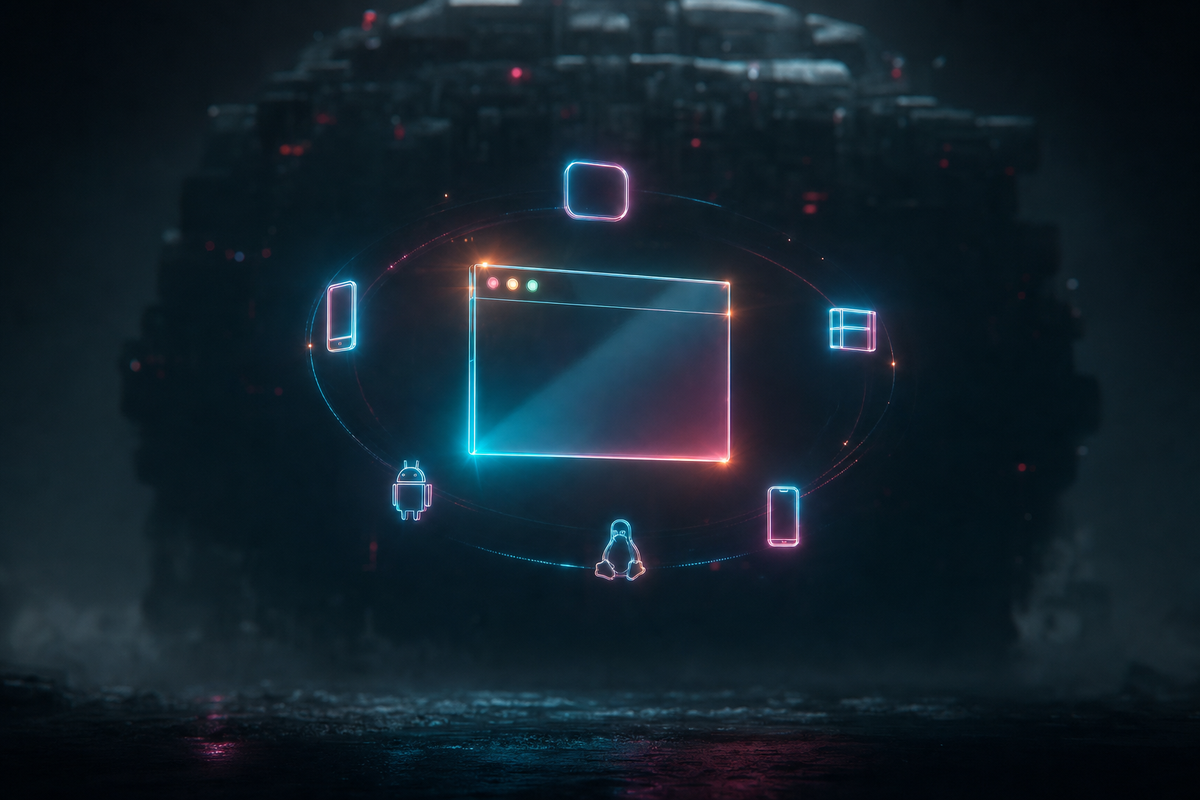
- Native OS webview rendering your frontend — WebKit on macOS/iOS, WebView2 (Edge/Chromium) on Windows, WebKitGTK on Linux, Android System WebView on Android. You don't ship a browser. You use the one already on the machine.
- Any frontend framework you want — React, Svelte, Vue, Solid, vanilla JS. Tauri doesn't care. Your frontend is just static assets the webview loads.
- IPC bridge between the Rust process and the webview, with raw payload support in v2 (no forced JSON serialization tax for large data).
- Capabilities-based security replacing v1's allowlist — each window/webview is granted explicit permissions to invoke specific Rust commands, parameterized by scope.
The result is a single codebase that produces native installers for macOS (.dmg, .app), Windows (.exe, .msi), Linux (.deb, .AppImage, .rpm, Flatpak, Snap, AUR), iOS (.ipa) and Android (.apk/.aab). All from cargo tauri build with the right targets configured.
Tauri 2 vs Electron — the honest table
Read this table honestly. Tauri wins on every column where the user pays the cost (size, memory, battery). Electron wins on the columns where the developer pays the cost (consistency, learning curve, build time). Whose costs you optimize for is the actual question.
What v2 fixed structurally
Tauri 1.x was good. Tauri 2 is the version that earns the default position. Four things changed:
1. Mobile is real
v1 was desktop only. v2 added iOS and Android with native Swift and Kotlin integration paths for plugins, hot-module-replacement to emulators and devices, and the same Rust core driving both. One codebase, five platforms. This is the headline architectural win — it's the moment Tauri stops being "the small alternative to Electron" and starts being a serious cross-platform single-codebase story rivaling React Native and Flutter for mobile.
2. The capabilities security model
v1's allowlist was a flat list of toggles. v2 replaced it with a three-tier model:
- Permissions are on/off toggles for individual Rust commands, defined per plugin in declarative JSON.
- Scopes are parameter validators — "this command is allowed, but only with arguments matching this pattern." Glob-based file paths, URL allowlists, command shapes.
- Capabilities attach permission+scope sets to specific windows/webviews. Your settings window can have filesystem write capability; your help window cannot, even if both render the same JS bundle.
Permissions and scopes are declarative files. Plugin authors ship secure defaults; app authors extend or restrict. Everything is compile-time — the binary you ship cannot be coerced at runtime to grant a permission it doesn't have. This is the model Electron has been adding piecemeal via contextBridge, contextIsolation, and a decade of CVE-driven evolution. Tauri designed it correctly from the v2 redesign.
3. The IPC rewrite
v1's IPC forced everything through JSON serialization both directions. Sending a 50 MB image to the webview meant 50 MB of JSON encoding, transit, and parsing. v2's raw request payloads let you ship bytes directly with custom serialization (BSON, Protobuf, Avro, or just raw Vec<u8>). For data-heavy apps — image editors, video tools, large datasets — this collapses an entire category of "why is my Tauri app slow" issues.
4. Plugin architecture and 23+ official plugins
v2 moved most core APIs into plugins: filesystem, HTTP client, dialogs, notifications, autostart, biometric auth, clipboard, deep linking, global shortcuts, log, OS info, positioner, single-instance, SQL, store (key-value), stronghold (encrypted store), updater, websocket, window state, and more. Each plugin is independently versioned, independently auditable, and supports mobile platforms where appropriate. The plugin pattern also means you can write a Rust plugin once and call it identically from JS on every platform.
Where Tauri 2 wins decisively
Distribution-sensitive products
Anything where install friction matters. Indie apps, freemium tools, products with download-conversion funnels. A 6 MB download closes vs a 150 MB download. The decision happens in the user's head before they ever launch your app.
Background utilities and menubar apps
If your app is meant to sit in the menubar all day or run as a background service, Electron's idle memory is a tax users will eventually notice and complain about. Tauri's footprint disappears into the noise.
Companion / multi-app product strategies
If you're shipping multiple apps that the same user installs simultaneously — a productivity suite, a developer tooling family, a multi-product startup — every Electron app multiplies the Chromium tax. Tauri lets all five share the OS-provided WebView.
Cross-platform single-codebase including mobile
This is the v2 unlock. Before v2, the choice was "Electron for desktop + React Native or Flutter for mobile = two codebases." Tauri 2 makes it one. If you're starting greenfield in 2026 and the product is going to live on phones too, this collapses your team and your release pipeline.
Security-sensitive apps
Wallets, password managers, anything handling secrets, anything that loads untrusted user content. Capability-based security at the architecture level — not as a runtime guardrail — is the right design. v1 password managers like 1Password moved to Tauri partly for this. The security audit by Radically Open Security (NLNet-funded) on v2 closed the trust gap that prevented serious adoption.
Where Electron still makes sense
Defaults aren't absolutes. Electron is still the right choice in three scenarios:
- Pixel-perfect cross-OS rendering is a hard requirement. If your product depends on identical webview behavior across all OSes — collaborative whiteboards, design tools, anything where a Safari-vs-Chrome layout difference is a bug report — Electron's bundled Chromium is your insurance policy. Tauri uses the OS WebView, which means you inherit per-OS WebKit/WebView2 quirks. They're rarer than people fear, but they're real.
- The team has zero Rust capacity and zero appetite to grow it. You don't have to be a Rustacean to ship a Tauri app — most apps barely touch the Rust layer beyond config — but if your team's reaction to seeing a
Cargo.tomlis hostility, that's a real organizational signal. Don't fight it. - You're already shipping Electron and the rewrite cost exceeds the lifetime value of the size win. Migration is real work. If your Electron app is mature, well-bundled, and your users aren't actively complaining, the rational move is incremental hardening, not a rewrite. Default to Tauri for new projects, not for the sake of rewriting old ones.
The Rust question, addressed honestly
Most pieces about Tauri hand-wave this. I won't.
Yes, Tauri's backend is Rust. Yes, Rust has a learning curve. Yes, your team will need at least one engineer comfortable enough with Rust to maintain the backend, write custom plugins, and debug build issues.
Three honest mitigations:
- Most app code lives in the frontend. Tauri apps are typically 90% JavaScript/TypeScript with thin Rust glue. Your React engineers can ship 90% of features without touching
src-tauri/. - AI agents handle Rust well. Claude Code and Codex both write Tauri-grade Rust competently. The boilerplate — command handlers, plugin scaffolding, config — is exactly the kind of structured work agents excel at. The AI-native software engineer doesn't need to be fluent in Rust to ship Rust.
- Tauri's Rust surface is small. You're writing command handlers and configuring the runtime, not building a database engine. The Rust you need to know is roughly: traits,
Result<T, E>,async,serde. A week with the docs and an agent in copilot mode is enough to be productive.
Practical adoption — what to actually do
Day 1: scaffold
npx create-tauri-app@latest or cargo create-tauri-app — pick your frontend (React/Svelte/Vue/Solid/vanilla), pick your package manager. create-tauri-app handles project layout, dev config, and the first build. You're rendering hello-world in 5 minutes.
Week 1: ship something small
Pick a small real utility — a clipboard manager, a tiny menubar app, a local-data viewer. Write the frontend in whatever framework you already know. Write 200 lines of Rust for the backend logic. Bundle it. Send it to a friend. Notice the binary is 5 MB.
Month 1: rewrite or rebuild a candidate
If you have an existing Electron app under ~30k frontend LOC that fits the "Tauri wins decisively" criteria above, prototype the rewrite. Don't migrate — rebuild from scratch using your existing UI components but a Tauri shell. The result will be a smaller, faster app and a team that now knows Tauri.
Month 3: it's the default
By the time you've shipped one Tauri app to production, the default flips. New desktop projects default to Tauri unless one of the three Electron-still-wins criteria triggers. The decision isn't "should we use Tauri?" anymore — it's "is there a reason not to use Tauri this time?"
The bigger picture
Cross-platform desktop has been a perpetually unsolved problem for thirty years. Java tried it, Qt tried it, .NET tried it, Adobe AIR tried it, Electron tried it. Each made a different trade. Each got partial adoption. None became the obvious default the way iOS-native is the obvious default for iPhone.
Tauri 2 is the first attempt where I believe the trade is worth taking unilaterally. The Rust requirement, which felt like an exotic constraint two years ago, is now manageable because the Rust ecosystem matured and AI agents removed the typing tax. The mobile addition closes the cross-platform circle. The capabilities model is the security architecture we should have had a decade ago. The footprint numbers force the conversation back to first principles: why are we shipping a browser with every app, again?
If you're choosing your next desktop framework — for a side project, a startup MVP, or the next product at your company — start with Tauri 2. Default position. Justify not choosing it. That's the inversion.
Personal footnote — what I'm building on
Sinapt, the imaginary cockpit-product I introduced earlier today, gets built on Tauri 2 if it ever leaves my whiteboard. Single Rust backend, JS frontend, desktop and mobile from one codebase, integrates with native CLIs (Claude Code, Codex) via std::process, capability-isolated per-window for credential safety, ships as a tiny binary that respects users' machines. The framework is the answer. The product is what I have to build on top of it.
Related Reading
- Sinapt: One Cockpit for the AI-Native Operator
- Indie Hacking, Different Game
- The Cockpit
- KISS Your AI Workflow
- The AI-Native Software Engineer